Inviting a successor
The person you invite to be your successor must have a GitHub account.
-
In the upper-right corner of any page on GitHub, click your profile picture, then click Settings.
-
In the left sidebar, click Account.
-
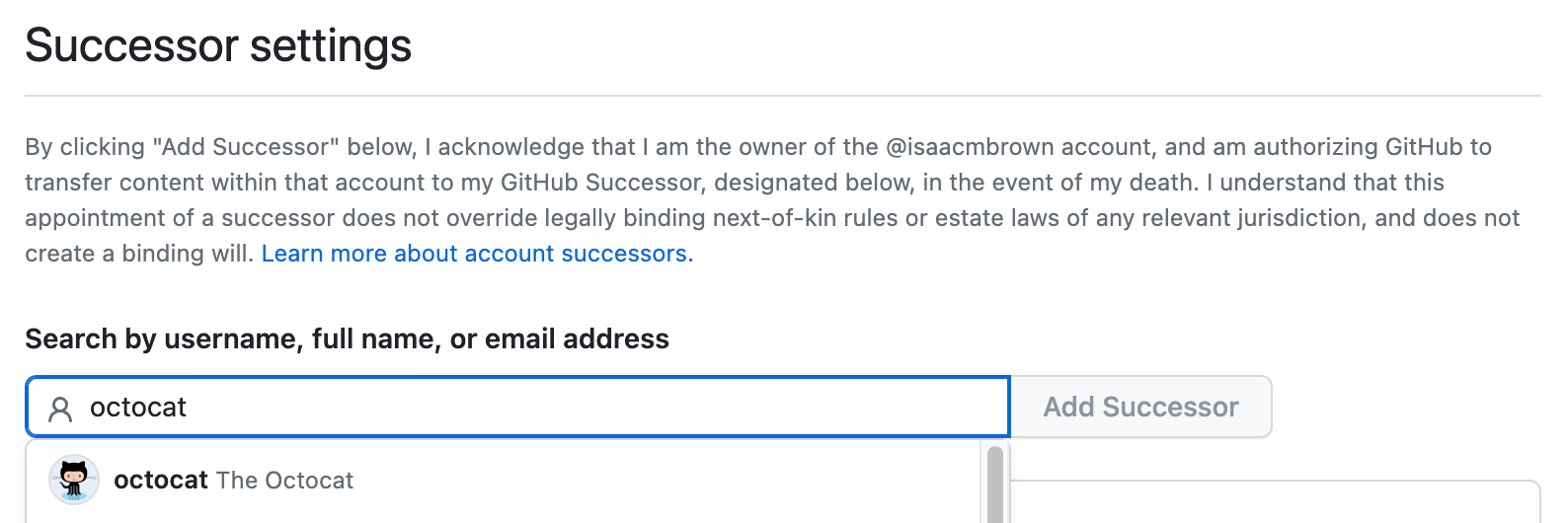
Under "Successor settings", to invite a successor, begin typing a username, full name, or email address, then click their name when it appears.
-
Click Add successor.
-
If prompted, confirm access to your account on GitHub. For more information, see Sudo mode.

The user you've invited will be listed as "Pending" until they agree to become your successor. For more information about what happens after a successor is appointed, see About successors.