-
Navigate to your project.
-
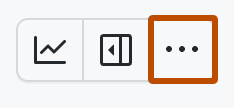
In the top-right, click to open the menu.
-
In the menu, click Settings to access the project settings.
-
Click the name of the custom field you want to delete.
-
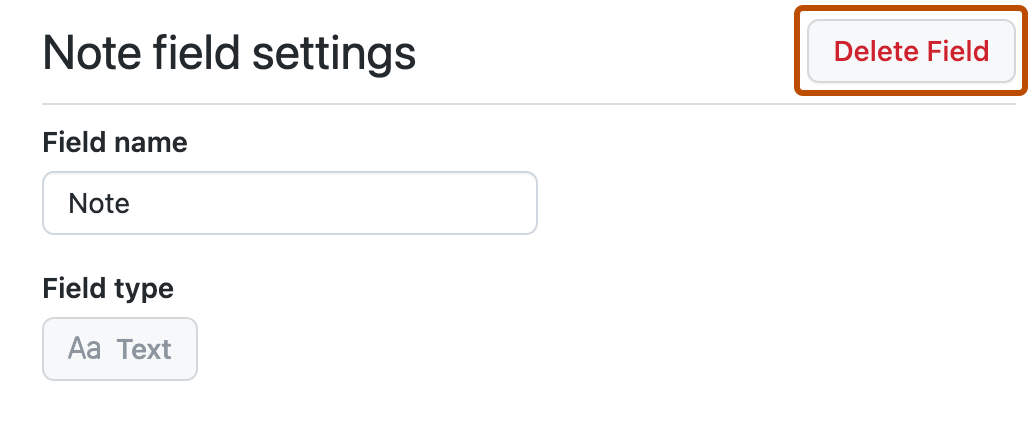
Click Delete field.
This version of GitHub Enterprise Server will be discontinued on 2026-08-25. Discontinued releases are not supported. No patch releases will be made, even for critical security issues. For better performance, improved security, and new features in GitHub Enterprise Server, see Overview of the upgrade process. For help with the upgrade, GitHub Enterprise Support.
Deleting custom fields
Learn how to delete a custom field from your project.

