注意
This feature is in 公开预览 and subject to change.
Prerequisites
- GitHub Code Quality is enabled on the repository.
- Code coverage data is uploaded to GitHub for the pull request branch. See 为存储库设置代码覆盖率.
Creating a coverage threshold rule
-
在 GitHub 上,导航到存储库的主页面。
-
在仓库名称下,单击 “Settings”****。 如果看不到“设置”选项卡,请选择“”下拉菜单,然后单击“设置”。

-
在左侧边栏的“代码和自动化”下,单击“规则”,然后单击“规则集” 。
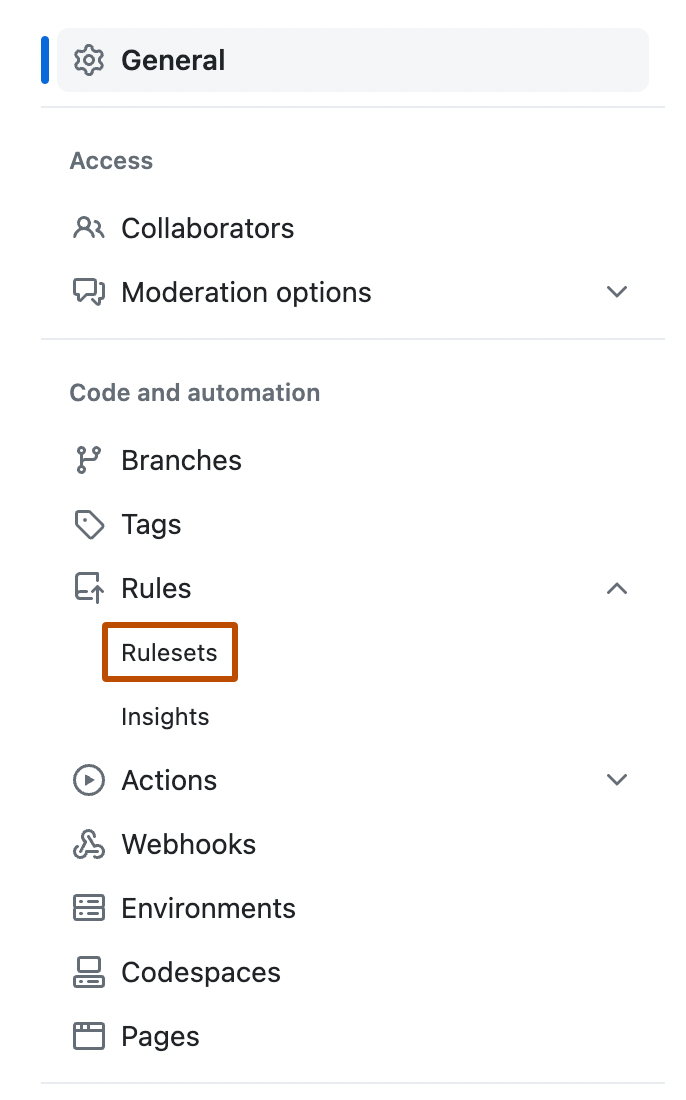
-
Create a new branch ruleset or click an existing one to edit it.
-
Under "Branch rules", select Restrict code coverage.
-
Expand Additional settings to configure thresholds. A value of 0 means that the threshold is disabled.
- Minimum coverage percentage: enter a value to block pull requests where aggregated coverage falls below this percentage.
- Maximum coverage drop: enter a value to block pull requests where coverage drops by more than this many percentage points relative to the default branch.
-
Click Create or Save changes.


提示
Consider setting your ruleset to Evaluate mode before switching to Active. This lets you observe which pull requests would have been blocked without enforcing the rule, giving you a chance to calibrate your thresholds.