-
In the upper-right corner of GitHub, click your profile picture, then click Organizations.
-
Select an organization by clicking on it.
-
Under your organization name, click Settings. If you cannot see the "Settings" tab, select the dropdown menu, then click Settings.

-
In the "Third-party Access" section of the sidebar, click OAuth app policy.
-
Next to the application you'd like to disable, click .
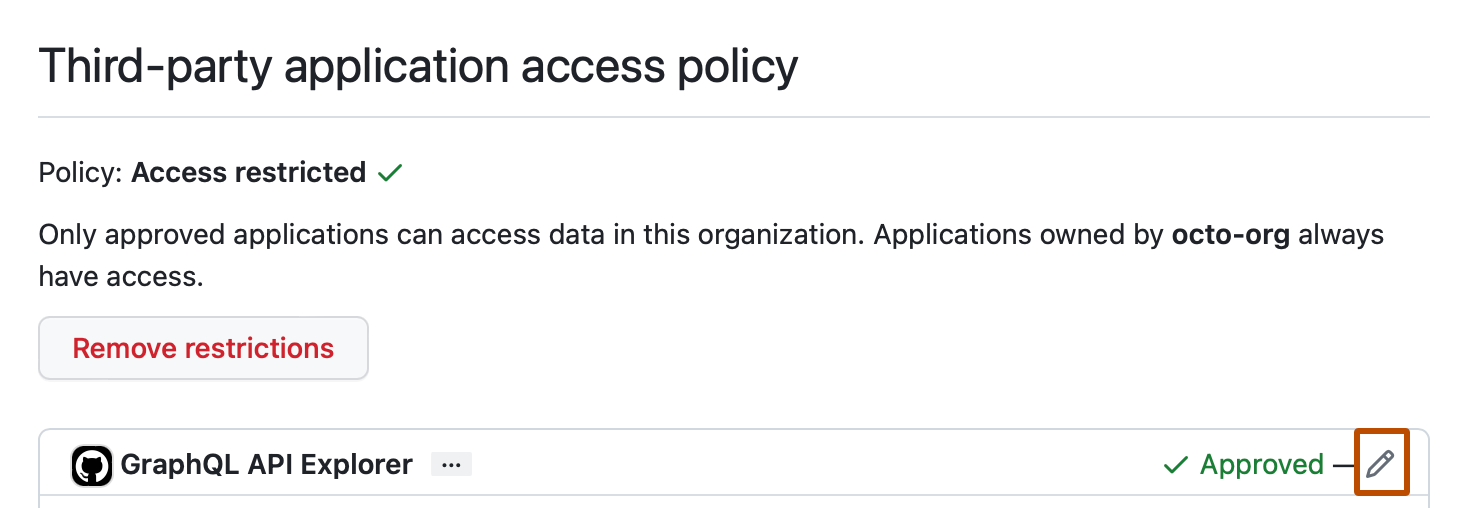
-
Click Deny access.
Denying access to a previously approved OAuth app for your organization
If an organization no longer requires a previously authorized OAuth app, owners can remove the application's access to the organization's resources.

